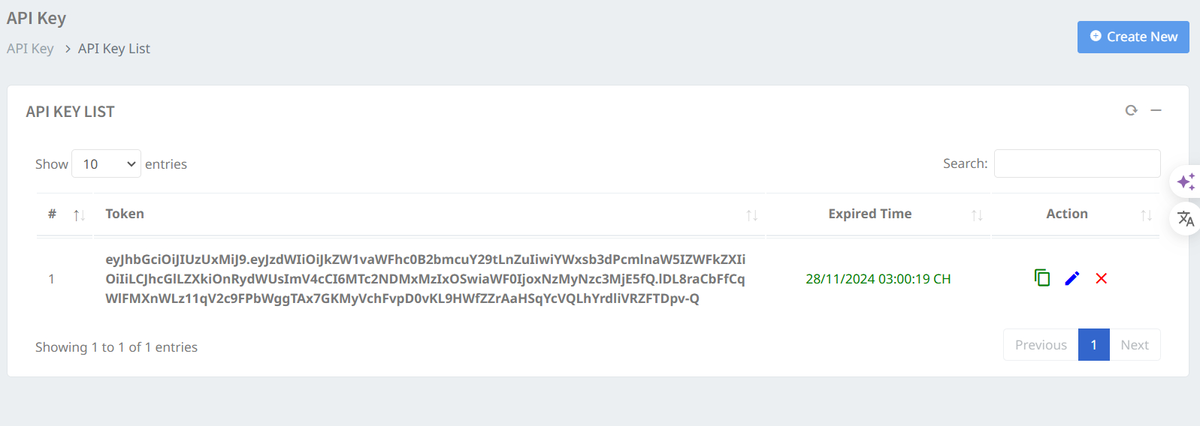
> For the complete documentation index, see [llms.txt](https://docs.greennode.ai/llms.txt). Markdown versions of documentation pages are available by appending `.md` to page URLs; this page is available as [Markdown](https://docs.greennode.ai/vcdn/api-developers.md).
# API Developers
## Overview
In addition to **vCDN Portal** , we also provide you with a set of APIs to work with our system. Please refer to the detailed instructions for using vCDN API [here](https://api-docs.vngcloud.vn/vcdn/#vcdn-api-documentation) .
To work with vCDN API, you need to have at least one valid **API Key . API Key** is a security tool that allows access to vCDN API system without using Username and Password account.
## Detail
1. **Key Expiration Time**
* You can choose the key expiration time from 1 minute to 1 year depending on your needs.
2. **Allows domains to call APIs**
***
## **Implementation process**
**Step 1:** Access vCDN Portal at [https://vcdn.vngcloud.vn](https://vcdn.vngcloud.vn/live-entrypoint/list.html)
**Step 2:** Select **API Key** , then select **Create new.**
**Step 3:** Select the expiration time of the API Key you want.
**Step 4:** Enter the domain you allow to call the API, you can also skip this information field if you do not need it.